
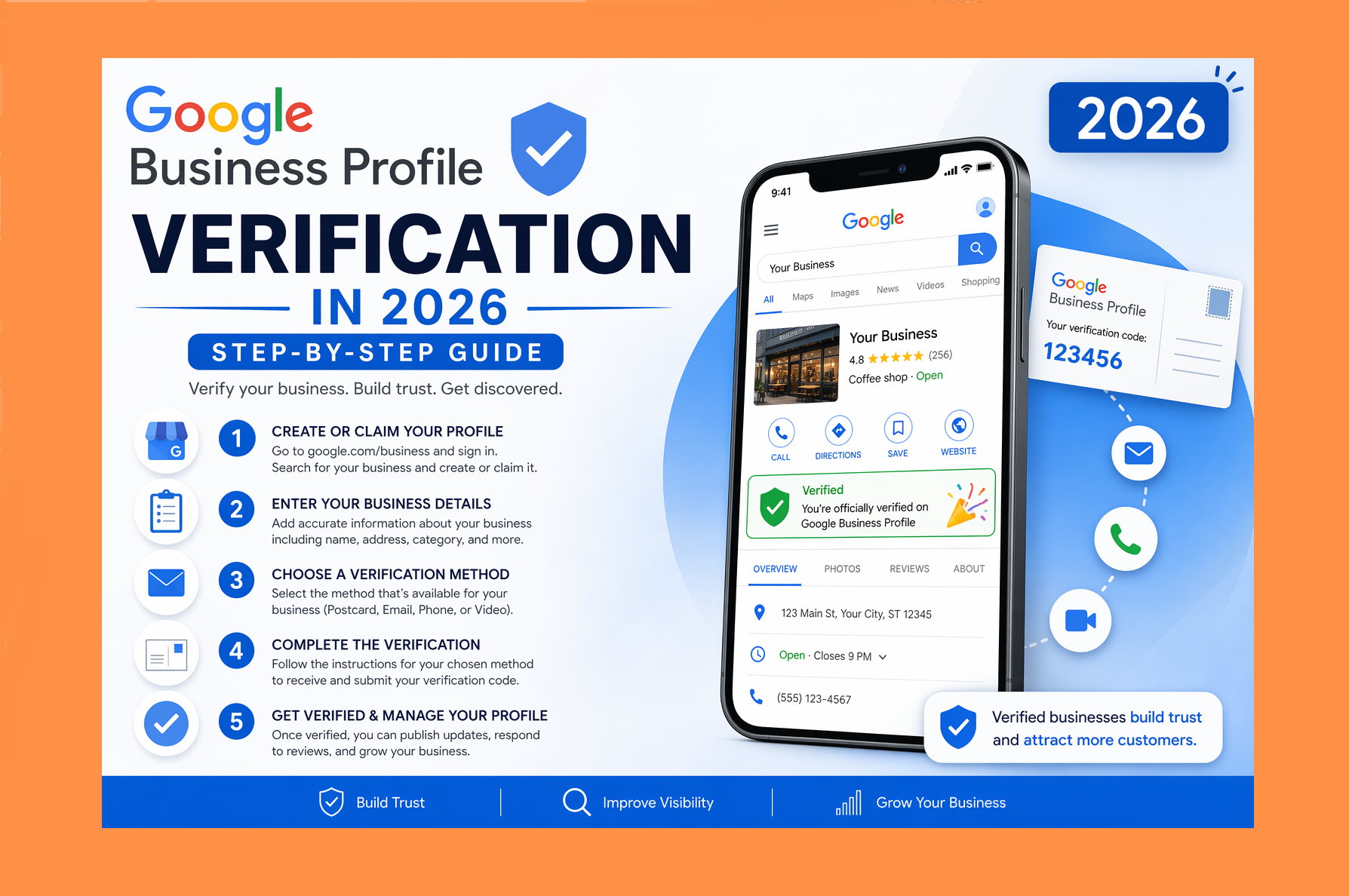
Google Business Profile Verification in 2026: Step-by-Step Guide
Getting your Google Business Profile verified is one of the most important steps in establishing your online presence. Without verification, your business won’t appear fully on Google Search and Maps—and that means lost visibility, traffic, and customers.
In this 2026 update, we’ll walk you through the fastest ways to get verified, common issues to avoid, and pro tips to speed up the process.
Why Verification Matters
Verification confirms that your business is legitimate and that you are the rightful owner. Once verified, you can:
- Appear in Google Search and Maps
- Respond to customer reviews
- Update business details instantly
- Access insights and performance data
Businesses that invest in reliable GMB Services often experience faster growth in local visibility and customer engagement.
Verification Methods (2026)
Google now offers several verification methods depending on your business type, location, and trust level.
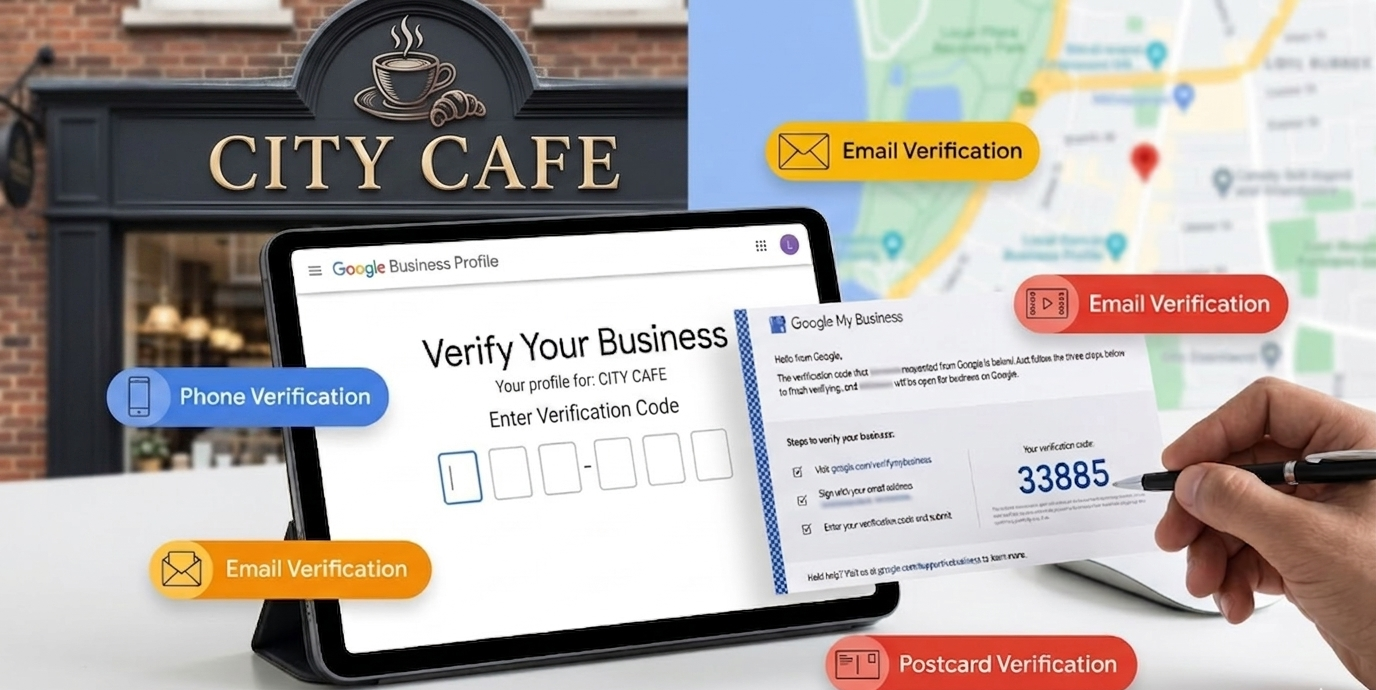
1. Phone or Email Verification
Some businesses qualify for instant verification via OTP.
How it works:
- Receive a code via phone call, SMS, or email
- Enter the code in your profile
Time required: Instant to a few minutes
2. Video Verification (Fastest Method in 2026)
This is currently the most common and quickest method.
What you need to do:
- Record a video showing your business location (outside and inside)
- Show your equipment, branding, or workspace
- Provide management access (like unlocking doors or using POS systems)
Tips to speed it up:
- Record in good lighting
- Keep it continuous (no cuts)
- Clearly show signage and surroundings
Approval usually takes a few minutes to 1–2 days.
3. Live Video Call Verification
In some cases, Google may require a live video call with a representative.
You’ll need to:
- Show your business location in real time
- Prove ownership and operations
Time required: Same day (depending on appointment availability)
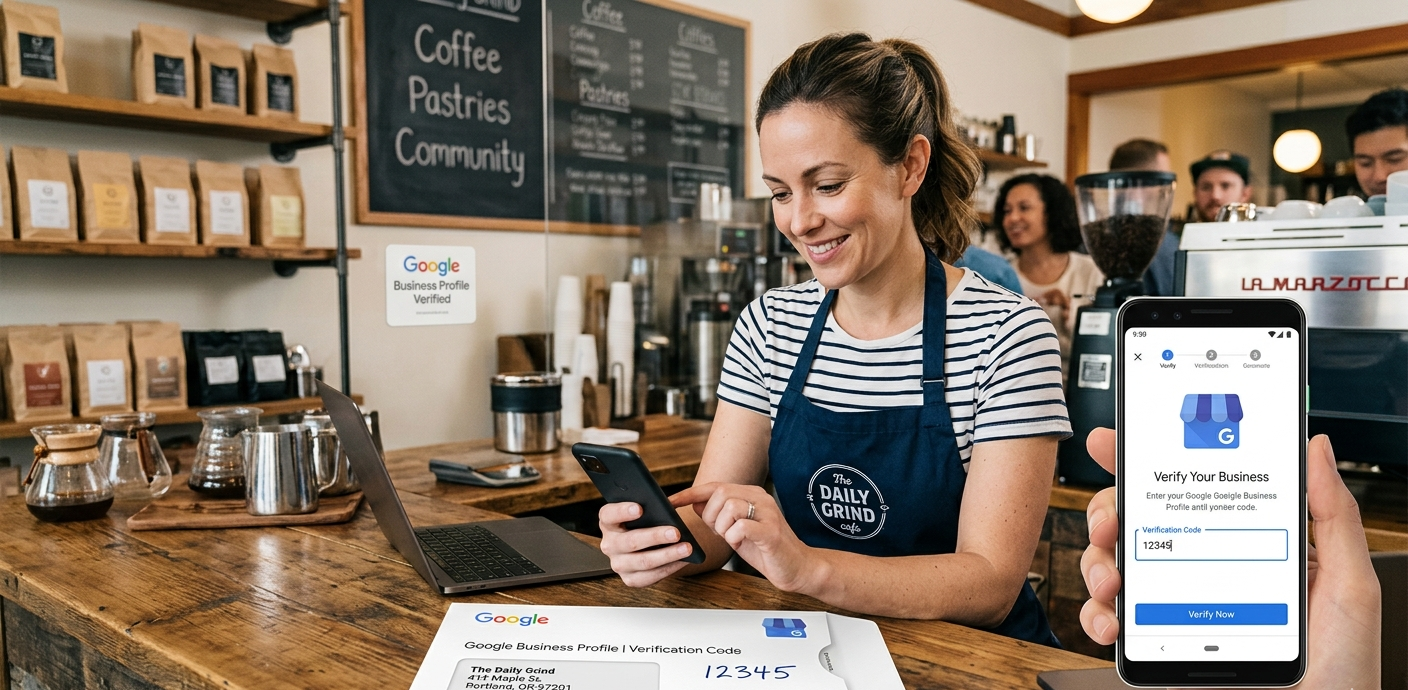
4. Postcard Verification (Still Available)
Google may send a postcard with a verification code to your business address.
Time required: 5–14 days
Important tips:
- Don’t change your business name, address, or category while waiting
- Ensure your address is accurate and complete
How to Get Verified Faster (Pro Tips)
✔ Use a Real Physical Location
Virtual offices or fake addresses often get flagged or delayed.
✔ Keep Your Business Info Consistent
Make sure your:
- Name
- Address
- Phone number
match across your website and listings.
✔ Add Photos Before Verification
Upload images of:
- Storefront
- Interior
- Products or services
This builds trust with Google’s system and improves approval chances.
✔ Avoid Suspicious Edits
Frequent changes can delay verification or trigger manual review.
Avoid Common Mistakes
Many businesses face delays due to:
- Incorrect business information
- Using virtual offices or fake addresses
- Keyword stuffing in a business name
- Duplicate listings
Working with a Local SEO Company can help you avoid these issues.
Common Reasons for Delays
- Inconsistent business details
- Using a residential or co-working address
- Poor-quality or unclear video submissions
- Multiple listings for the same business
- Violating Google’s guidelines
What to Do If Verification Fails
If your verification attempt is rejected:
- Review Google’s guidelines
- Re-submit with clearer proof (especially video)
- Double-check your business details
- Contact support if needed
Frequently Asked Questions (FAQs)
1. How long does Google Business Profile verification take in 2026?
It depends on the method. Video and OTP verification can be instant or take up to 1–2 days, while postcard verification can take up to 2 weeks.
2. Which verification method is the fastest?
Video verification and phone/email OTP are the fastest methods currently available.
3. Can I verify my business without a physical address?
It’s difficult. Google prefers real, physical locations. Service-area businesses can hide their address but still need to prove legitimacy.
4. Why did my verification get rejected?
Common reasons include unclear video proof, inconsistent business details, or violating Google’s guidelines.
5. Can I change my business details during verification?
No, it’s best to avoid making changes until verification is complete, as it can delay or restart the process.
6. What should I include in a video verification?
Show your storefront, signage, nearby landmarks, interior, tools/equipment, and proof you manage the business (like keys or systems).
7. How many times can I try verification?
You can attempt multiple times, but repeated failures may require contacting Google support.
8. What if I never receive the postcard?
You can request a new one or switch to another available verification method if Google allows it.
Final Thoughts
In 2026, the fastest way to get your Google Business Profile verified is through video verification or instant OTP methods. The key is to provide clear, authentic proof that your business exists and operates as claimed.
If you want a hassle-free experience, partnering with a trusted Local SEO Services in Tricity, like Triitans Solitaire, can save time and ensure long-term success.
Ready to get verified fast?
Contact Triitans Solitaire today and take your local business to the next level with our Affordable Local SEO Services and Google Business Services tailored to your needs.
A verified profile isn’t just a badge—it’s your gateway to local success.